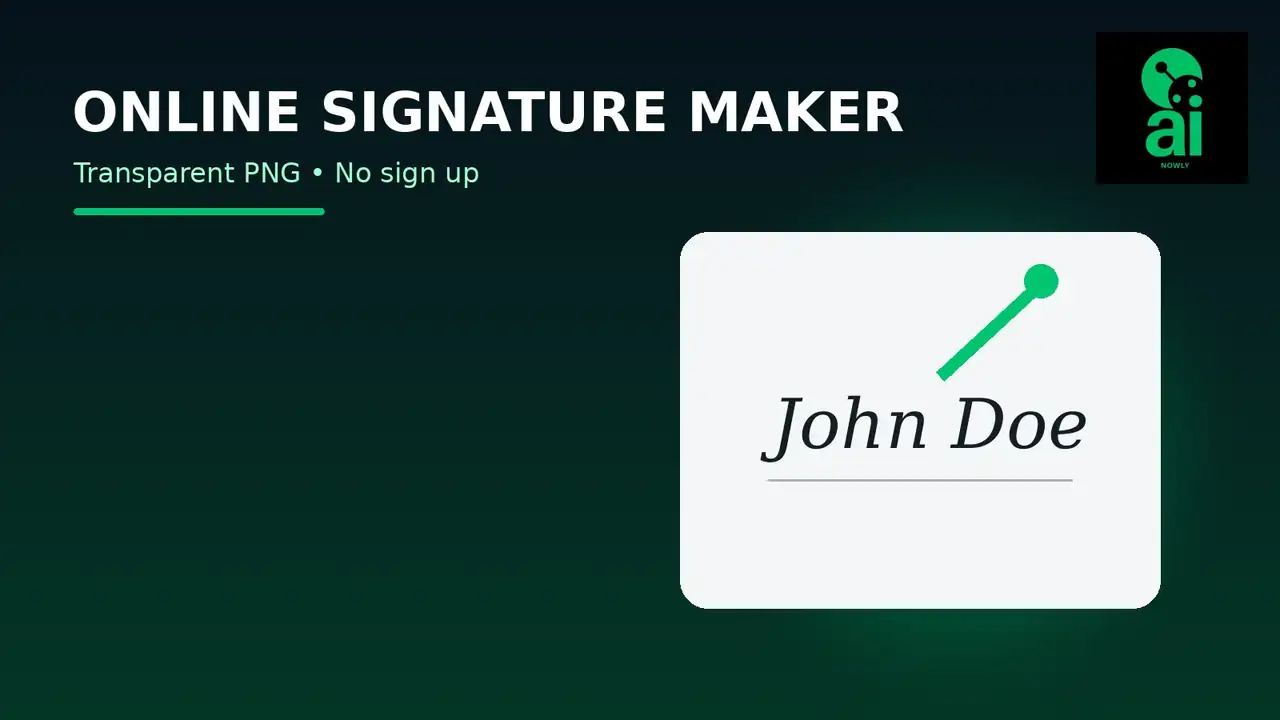
If you need a clean signature for Word, a PDF, an email, a form, or a presentation, the fastest workflow is to create it once as a reusable image. A good online signature maker transparent PNG workflow lets you draw with a mouse, finger, trackpad, or stylus and download the result without a white rectangle around it.
AiNowly’s free Signature Maker is built for that simple job. Draw your signature in the browser, export it as a PNG, and reuse the image where a visual handwritten signature is appropriate.
Quick answer: how to make a transparent signature PNG online
- Open the AiNowly Signature Maker.
- Use your mouse, finger, trackpad, or stylus to draw your signature.
- Clear and redraw it if the first attempt feels shaky.
- Download the result as a PNG with transparency.
- Insert the PNG into Word, a PDF editor, a presentation, or another document.
- Resize it proportionally so the signature still looks natural.
The important detail is the file format. PNG can preserve transparency, which lets the text, signature line, or page background remain visible around your handwriting.
Why transparent PNG matters for signatures
A signature image with a solid white background often looks pasted onto a document. The problem becomes obvious when the document uses an off-white background, colored form field, shaded table cell, or visible signature line. A transparent PNG only keeps the signature strokes and transparent pixels around them.
That makes the same signature image much easier to reuse across different documents without editing the background every time.
Signature image vs electronic signature vs digital signature
These terms are often mixed together, but they are not identical. A handwritten signature PNG is a graphic representation of your signature. Depending on the signing workflow, a graphical signature may be used as part of an electronic-signature process, but the image file by itself does not provide cryptographic identity verification.
Adobe explains that a digital signature is a more secure form of electronic signature backed by a digital certificate and cryptographically bound to the document. In other words, a transparent signature image is useful for visual document workflows, while a certificate-based digital signature is designed for stronger identity assurance and tamper evidence.
If you are signing a regulated, high-value, employment, banking, legal, medical, government, or compliance-sensitive document, use the signing method required by the organization rather than assuming that an image alone is sufficient.
How to create a smoother handwritten signature
A mouse can work, but it is usually the hardest input method because the movement comes from your wrist and arm rather than a pen tip. For a more natural result:
- Use a touchscreen and your finger if available.
- Use a stylus or S Pen for better control.
- Draw larger than the final displayed size.
- Move at a steady speed instead of making tiny corrections mid-stroke.
- Redraw the signature a few times and keep the cleanest version.
- Avoid extremely thin strokes that may disappear when the image is reduced.
When a large signature is resized down, minor imperfections become less noticeable and curves usually look smoother.
How to use a signature PNG in Microsoft Word
Microsoft’s support documentation confirms that Word can use an image of a handwritten signature. Microsoft describes a workflow where a signature is scanned or saved as an image and then inserted into a document through the Pictures feature.
With a transparent PNG generated in the browser, the process is straightforward:
- Open the Word document.
- Place the cursor near the signature line.
- Choose Insert > Pictures.
- Select your transparent signature PNG.
- Resize it using the corner handles so the proportions remain correct.
- Use Word’s layout options if you need the image to sit over or near a line.
Keep a master copy of the signature PNG in a secure folder so you do not need to recreate it for every document.
How to add a signature image to a PDF
PDF editors vary. Some let you upload or create a signature directly, while others let you insert an image. If the editor accepts image placement, select the transparent PNG and position it on the signature field.
For documents that require verified electronic signing, use the platform’s built-in e-signature or certificate workflow instead of simply placing an image. The visual result can look similar, but the underlying verification can be very different.
How to make a signature for email or proposals
A handwritten signature graphic can add a personal finishing touch to proposals, letters, invoices, certificates, and email designs. Use it sparingly. A huge decorative signature can dominate the page and look less professional than a compact version placed near your typed name and title.
For email, remember that image loading and dark mode can affect appearance. Test the signature on both light and dark backgrounds if it will be part of a reusable email graphic.
Should you use black or blue ink?
Black is versatile because it works on most light documents and reproduces cleanly. Dark blue can create the familiar appearance of pen ink and can visually separate the signature from black printed text. Avoid very pale colors because they can lose contrast when the image is resized or printed.
How large should a signature PNG be?
There is no single perfect pixel size, but the master file should be larger than the final display size. A higher-resolution master gives you flexibility when the signature is inserted into different documents. Resize down inside the document rather than repeatedly saving smaller copies from an already tiny image.
Do not stretch the image wider or taller independently. Distorted proportions immediately make a signature look artificial.
How to remove the white background from an existing signature
If you already have a photo or scan of a signature on paper, you need a different workflow from drawing it directly. Start with dark ink on clean white paper, photograph or scan it in even light, crop the image, then remove the paper background and export the final result as PNG.
AiNowly’s Background Remover can be useful for general transparent-image workflows, although extremely thin handwriting may require careful checking. For the cleanest signature asset, drawing directly in the Signature Maker avoids photographing paper in the first place.
Privacy: treat your signature like sensitive personal material
A reusable signature image can be copied just like any other file. Store it carefully, do not place the original master in public folders, and do not upload it to random services without understanding how they handle files.
Also remember that a signature PNG is not a security token. If a workflow needs proof of identity, audit trails, timestamps, certificates, or tamper detection, use a proper electronic or digital signing platform.
Common online signature mistakes
Using a screenshot instead of the downloaded PNG
A screenshot can add a background, reduce sharpness, and include unnecessary empty pixels. Download the actual transparent file.
Drawing too small
Small input exaggerates jagged edges. Draw larger and scale down.
Making the signature extremely thin
Thin strokes may disappear in print or after document compression.
Confusing an image with a verified digital signature
The visual signature and the verification method are separate issues. Use the appropriate signing process for the document.
Sharing the master signature file publicly
Keep the reusable file private and only use it where necessary.
Best use cases for a transparent signature PNG
- Internal documents and letters where a signature image is accepted.
- Proposals and quotations.
- Word documents and presentations.
- Certificates and personalized graphics.
- PDF workflows that explicitly allow a signature image.
- Email or letterhead graphics.
When you should not rely on a signature image alone
Do not assume a PNG satisfies a legal, regulatory, or identity-verification requirement. Contracts, official filings, financial forms, healthcare documents, employment processes, and government systems may specify exactly how signatures must be collected. Follow the receiving organization’s requirements.
FAQ
Can I create a signature online without signing up?
Yes. AiNowly’s Signature Maker lets you draw a signature in the browser and create a reusable image without building a full design project.
Can I download my signature with a transparent background?
Yes. PNG is the preferred format when you need transparent pixels around the signature.
Can I put the PNG into Word?
Yes. Microsoft Word supports inserting picture files, and Microsoft specifically documents using an image of a handwritten signature in Word.
Is a signature PNG the same as a digital signature?
No. A digital signature is typically certificate-based and cryptographically linked to the document. A signature PNG is an image.
Can I use my phone to draw the signature?
Yes. A touchscreen can feel more natural than a mouse, especially when used with a stylus.
Bottom line
If your goal is a clean reusable signature image, use an online signature maker transparent PNG workflow: draw the signature at a comfortable size, download the true PNG instead of taking a screenshot, and insert it into the document without distorting the proportions.
Start with the AiNowly Free Signature Maker. For document conversion and image preparation, you can also use AiNowly’s Images to PDF, PDF to Images, and Image Resizer.