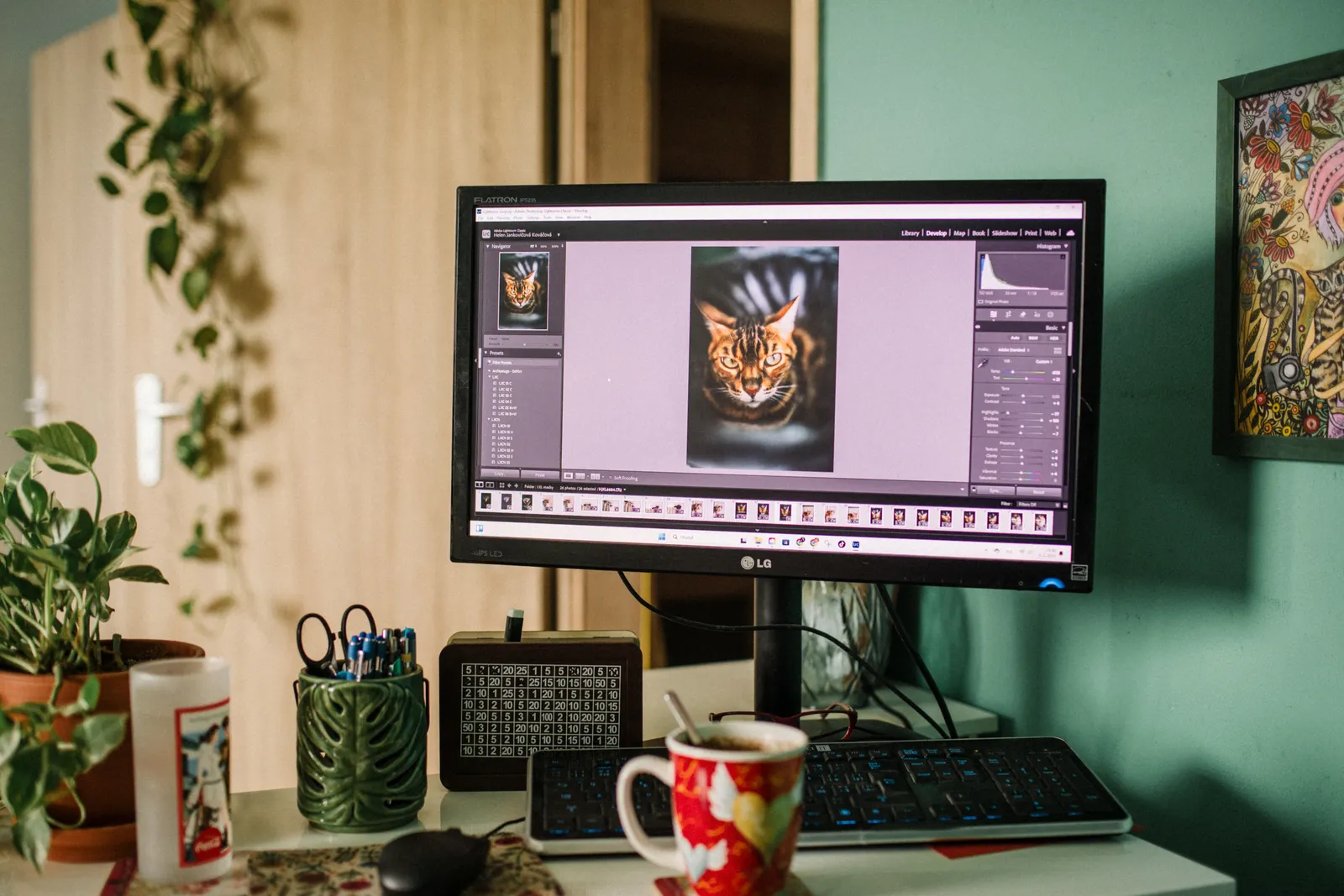
Adobe is giving Photoshop users a new way to edit images without starting with layers, selections or complex menus. The company has introduced an AI Assisted Editor in beta, a dedicated workspace where users can describe edits in natural language and combine prompt-based tools with Photoshop’s existing generative features.
The update, announced on August 27, is part of a broader set of Photoshop changes focused on reducing repetitive editing work while keeping professional controls available for users who want them.
What Is the AI Assisted Editor?
The AI Assisted Editor is an optional interface inside Photoshop built around a natural-language prompt bar. Instead of manually selecting an area and choosing a sequence of tools, a user can describe the result they want and let Photoshop generate the edit.
Adobe says the beta workspace includes Prompt to Edit, Remove Background, Generative Expand, the Remove Tool, Generative Fill, Generative Upscale and AI Markup.
Why it matters: Adobe is not replacing Photoshop’s traditional Pro Editor. It is adding a second, simpler entry point for users who prefer to describe an edit first and refine it later.
Prompt to Edit Also Works in the Pro Editor
Experienced Photoshop users do not have to move into the new AI workspace. Adobe says Prompt to Edit is also available from the Contextual Task Bar in the regular Pro Editor.
Edits created this way are placed into generative layers, keeping the result non-destructive and organized in the layer stack. That detail is important for professional workflows because it allows users to continue adjusting, masking or removing the generated result rather than permanently changing the base image.
Instruct Edit With Masks Aims for More Precision
Another new feature, Instruct Edit with Masks, is powered by Firefly Image 5. Adobe says it can understand the wider image context while restricting changes to the intended region.
For example, a user could ask Photoshop to modify one element while leaving faces, logos or other important content untouched. This is designed to reduce the amount of precise manual masking required before an AI edit.
Adobe has also added AI Markup, which lets users draw on an image to communicate intent visually. Arrows, rough shapes and marked areas can help tell the model where an object should move, what should be recolored or where new content should appear.
Photoshop Is Also Getting Non-AI Workflow Improvements
The announcement is not only about generative AI. A new Light Adjustment Layer brings controls such as Exposure, Contrast, Highlights, Shadows, Whites and Blacks into a non-destructive layer workflow.
Adobe also announced expanded Dynamic Text support for custom shapes and paths, plus an integrated Adobe Stock panel that can surface assets directly inside Photoshop.
The Bigger Competition Is About Interfaces
Generative image models have become increasingly capable, but the way users control them is now a major competitive area. Pure text prompts are fast but can be ambiguous. Traditional image editors are precise but can require more expertise.
Adobe’s approach is increasingly to combine both. Prompt-based editing can create the first result, while masks, layers, markup and conventional Photoshop tools provide a way to refine it.
That hybrid model could matter for small businesses and creators who want faster image workflows without giving up manual control. For simpler jobs, browser tools such as AiNowly’s Background Remover may still be enough, while Photoshop remains aimed at more complex editing and production workflows.
Where Photoshop Fits Among AI Creative Tools
Photoshop’s advantage is precise editing after an AI-generated idea already exists. By comparison, Midjourney is stronger for visual ideation and art direction, while Canva Magic Studio focuses on editable marketing layouts and production workflows. In many real projects, these tools can complement each other rather than compete directly.
What Users Should Watch
The AI Assisted Editor is currently described as a beta, so its behavior and feature set may change. Users working on commercial or client projects should still review generated results closely, especially around faces, brand assets, text and fine details.
Generative tools can speed up routine work, but they do not remove the need for visual judgment. The more important Photoshop becomes to a professional workflow, the more valuable non-destructive layers and manual review remain.
The Bottom Line
Adobe’s latest Photoshop update makes prompt-based editing more visible and more accessible without abandoning the professional editor that existing users know. The new AI Assisted Editor provides a simpler workspace, while Prompt to Edit, masks and markup connect generative AI more closely to Photoshop’s traditional control system.
The result is a clear sign of where creative software is heading: AI is becoming less of a separate feature and more of an interface layer that sits alongside familiar editing tools.
Sources: Adobe and Computerworld, August 27, 2026.